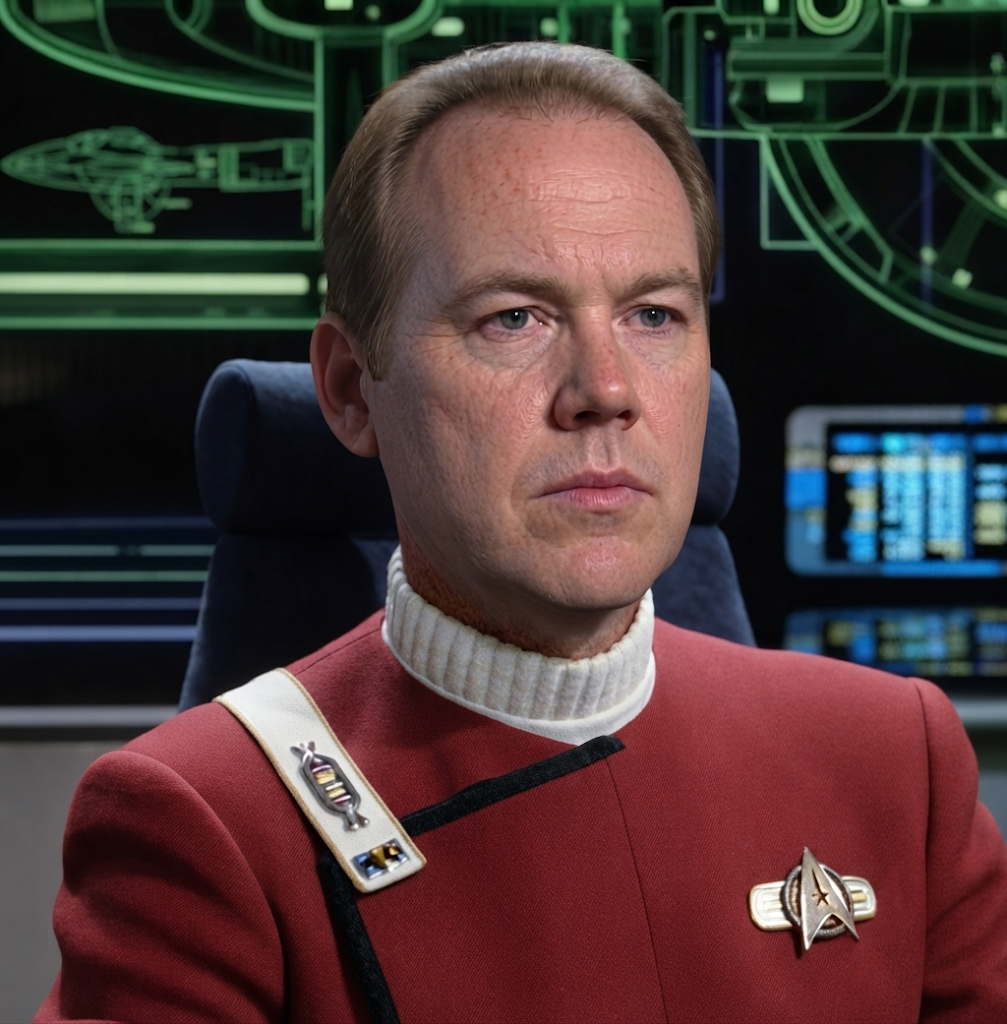
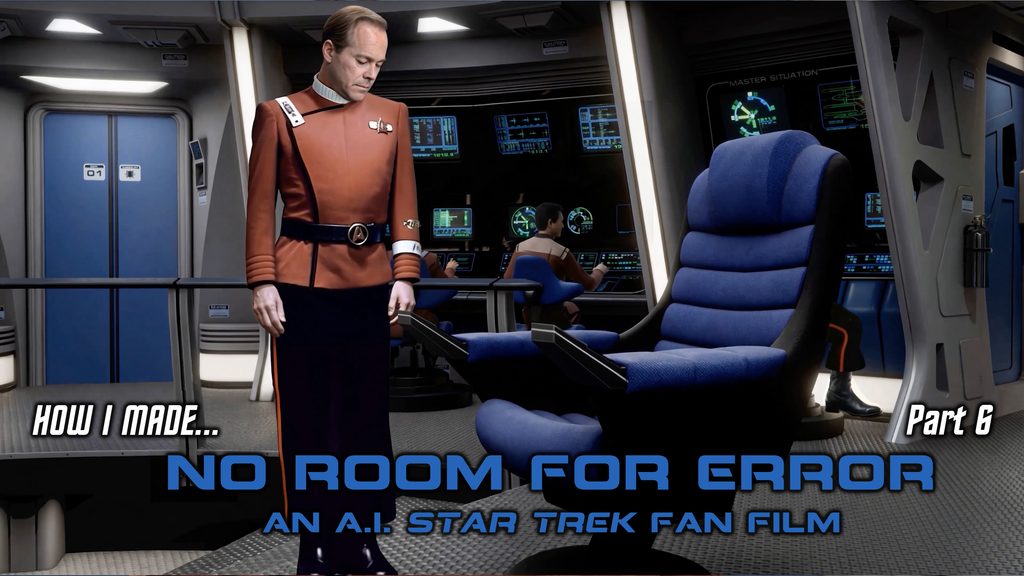
How I made my ALL-A.I. Star Trek fan film NO ROOM FOR ERROR… (feature, part 6)

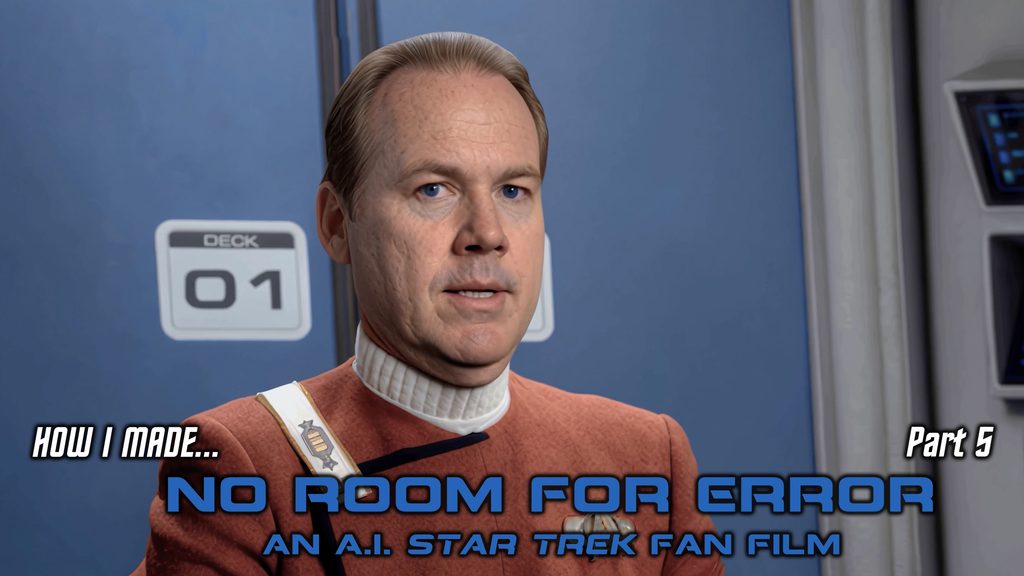
Last time in Part 5, we spent the entire blog talking about a 7-second clip of Captain Matthews clearing his throat and saying, “As you were. Prepare to get underway.” The amount of time and effort that went into that one super-brief shot is one of the main reasons that I personally believe anyone who says that A.I. is for lazy people is totally full of, well, baloney!

If you haven’t watched my new all-A.I. Star Trek fan film NO ROOM FOR ERROR yet, take a look…

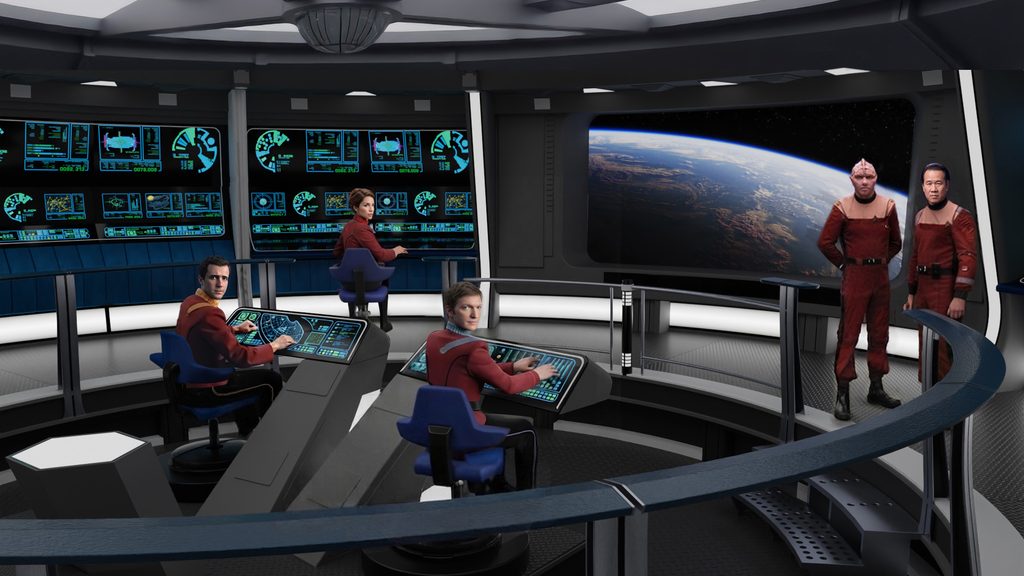
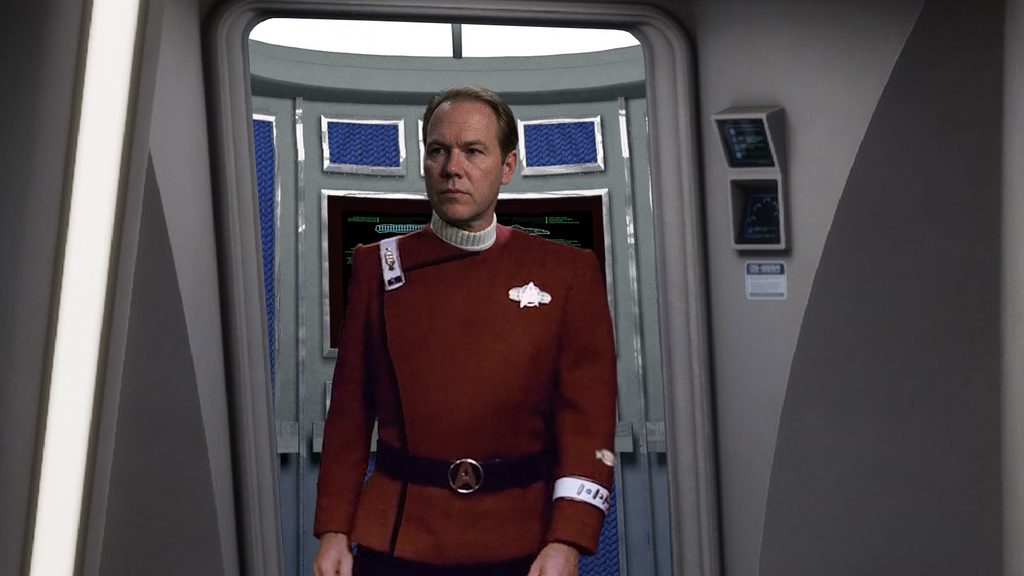
We’re starting this time with the shot that begins at the 55-second mark of the film, where Captain Matthews starts walking from the turbolift to the captain’s chair. This was my first chance to show the “fun” angle of the bridge—that is, the view where you see the helm and navigation stations, command chair, and the station consoles (along with the turbolift). In TOS (and most of the rest of the Paramount-produced Star Trek TV series), this was the most iconic camera angle of the bridge. So I had to make this shot count, even if it was just the captain taking four steps in four seconds.

Fortunately, the nice folks at THE RODDENBERRY ARCHIVE gave me the perfect wide shot camera angle set-up…
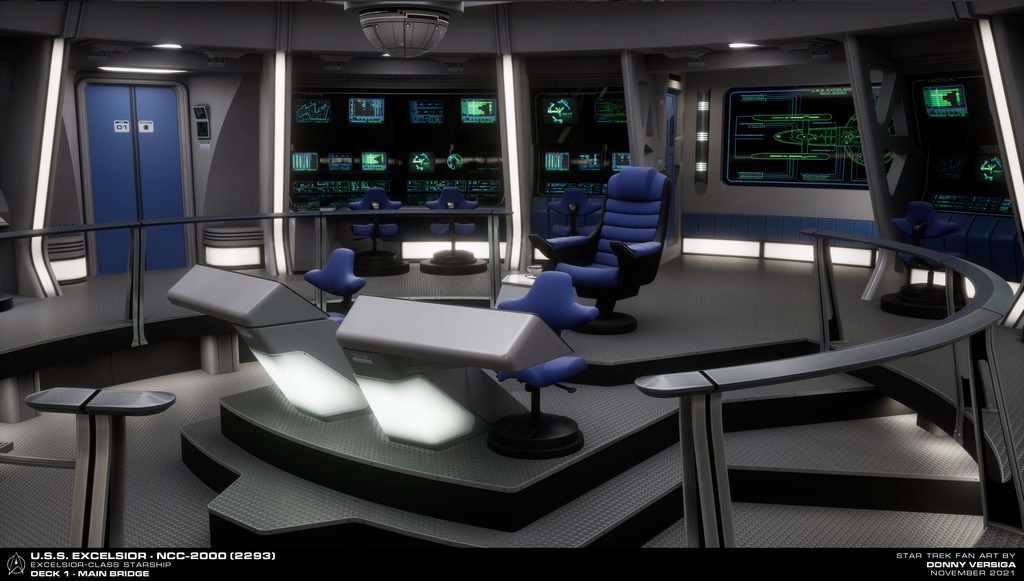
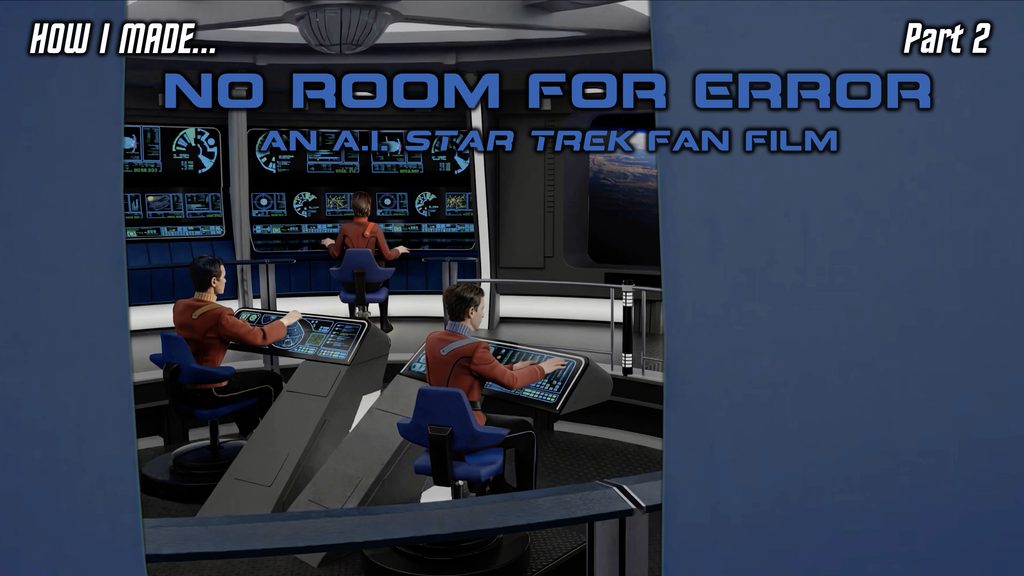
Now I just needed to populate it with bodies. Thankfully, I had the opening minutes of Star Trek VI: The Undiscovered Country to supply me with a wealth of Starfleet officers and crewmen on an Excelsior-class bridge—like the helmsman, navigator, and two crewmen standing in the back.
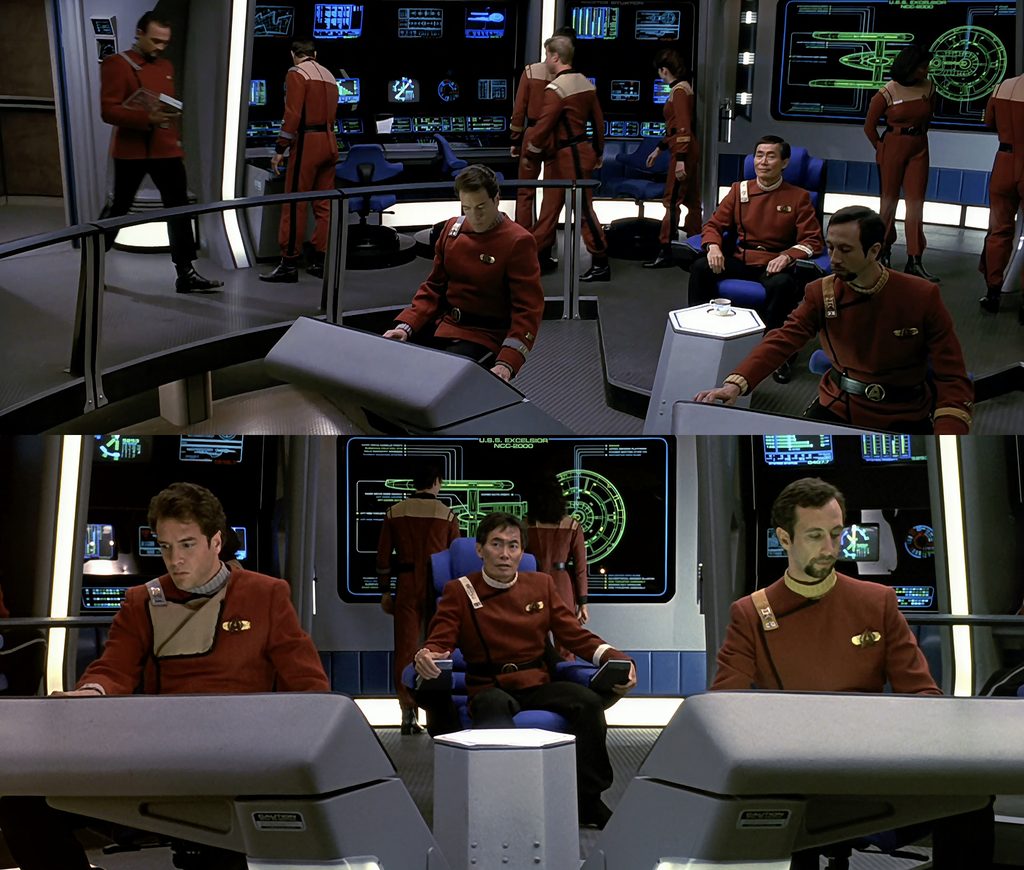
Granted, there was still a great amount of work to do in both Google Gemini and Photoshop to fill the other three empty seats. Ultimately, I tackled them one at a time, isolating each individual seat and the surrounding area because—as I was beginning to discover—A.I. struggles the more things it has to deal with at one time. Eat the elephant one bite at a time, and A.I. will be less likely to disappoint you when creating a still image.

Continue reading “How I made my ALL-A.I. Star Trek fan film NO ROOM FOR ERROR… (feature, part 6)”
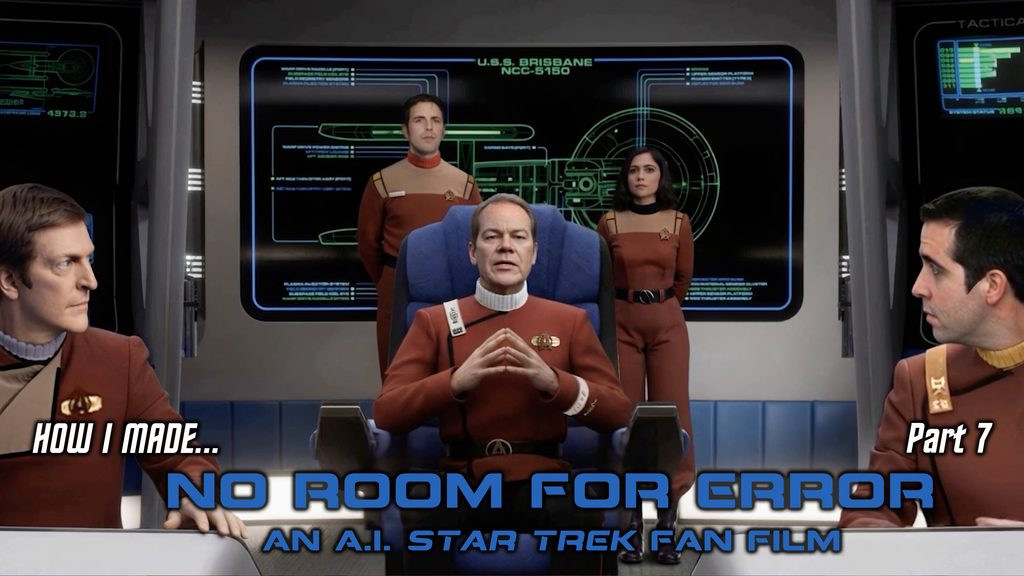
How I made my ALL-A.I. Star Trek fan film NO ROOM FOR ERROR… (feature, part 7)

Last time, we hit the 1:08 mark of what is ultimately 5 minutes and 10 seconds of A.I. footage in my new Star Trek fan film, NO ROOM FOR ERROR, which you can watch below…

So, yeah, we’re making progress. As I said, I’m writing these deep-dive behind-the-scenes blogs for those who are interested in how A.I. fan films are made (or at least, how this one was made), and I’m not afraid to share my “secret sauce” recipes with you all. And the first ingredient is simply not trying to do everything all at once.

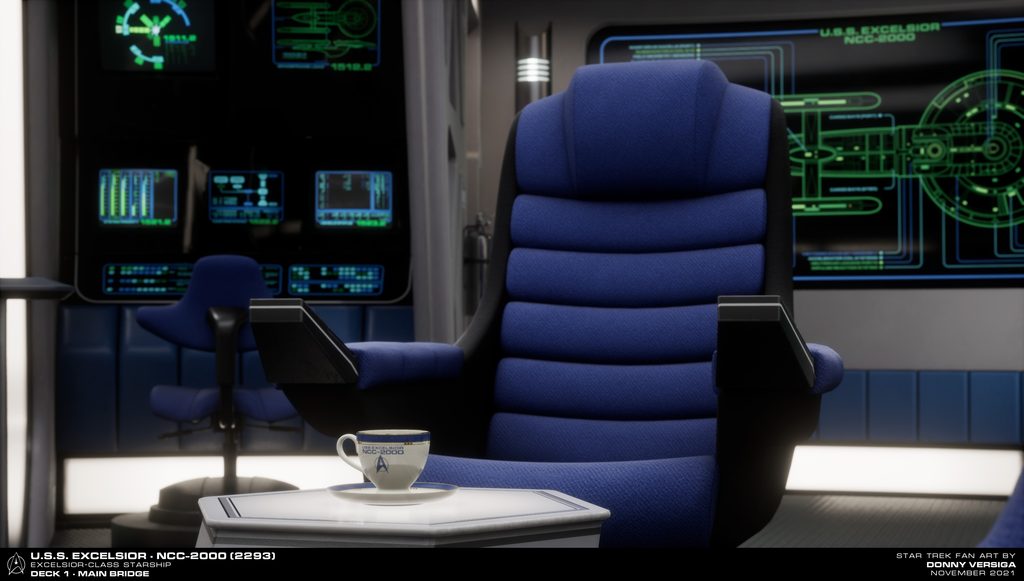
Here’s a good first example. I needed to generate starting and ending seed images for when Captain Matthews turns to the communications officer and says, “Comms, address intercraft.” I began with this image from THE RODDENBERRY ARCHIVE…

To save me some hassle, I cropped it just above the teacup in order to remove both it and the table (since the U.S.S. Brisbane bridge doesn’t have that table). I next uploaded the previous image of Captain Matthews sitting in his command chair…

And finally, I uploaded the reference image that I used for all renderings of Captain Matthews’ face (the closest I came to having a character reference sheet, which I didn’t know about using yet)…

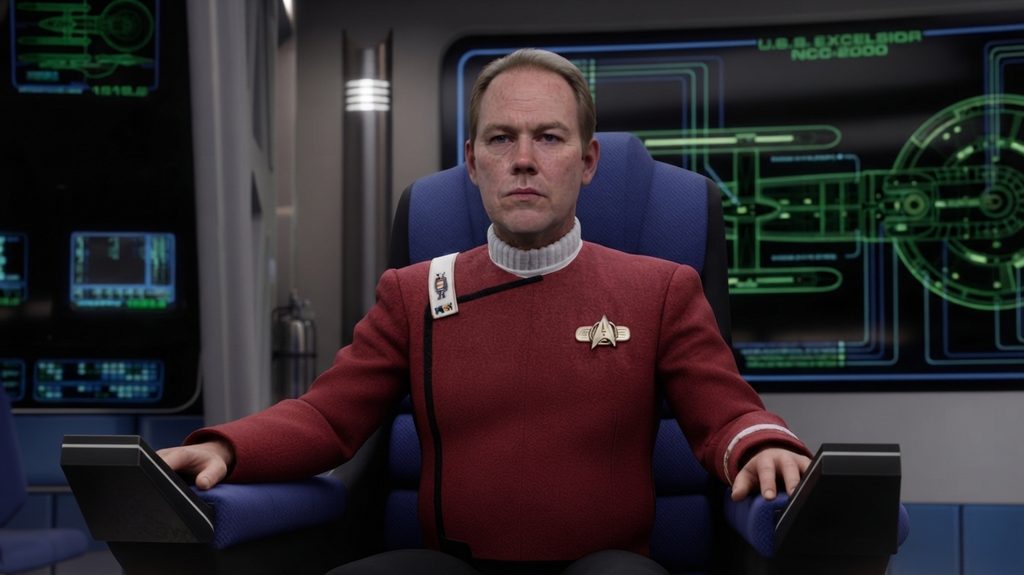
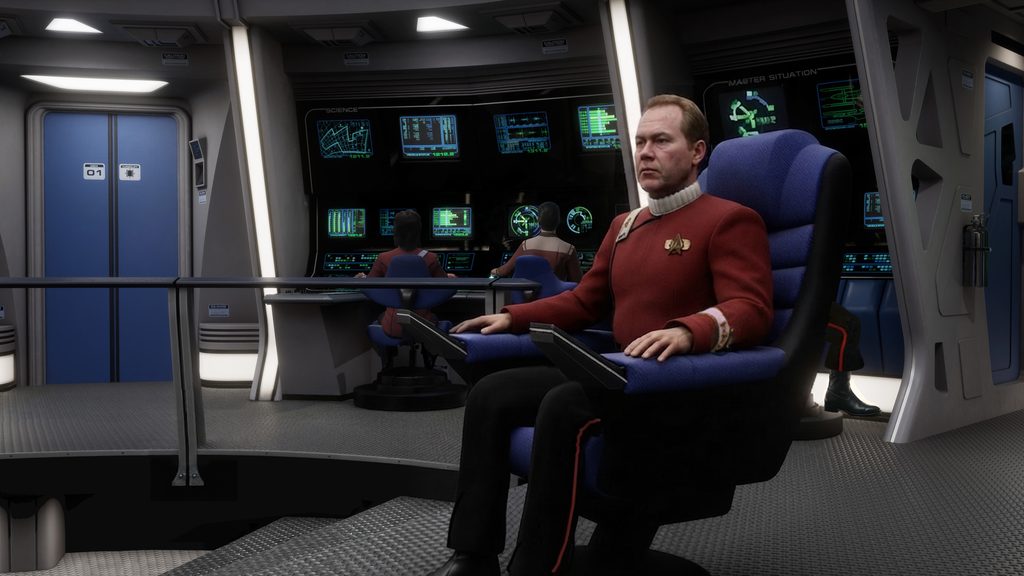
My prompt to Gemini was simple: “Put Captain Matthews (shown in the second and third images) into the empty command chair shown in the first image. His expression should be serious with one hand and arm on each of the two armrests.” And I got back this…

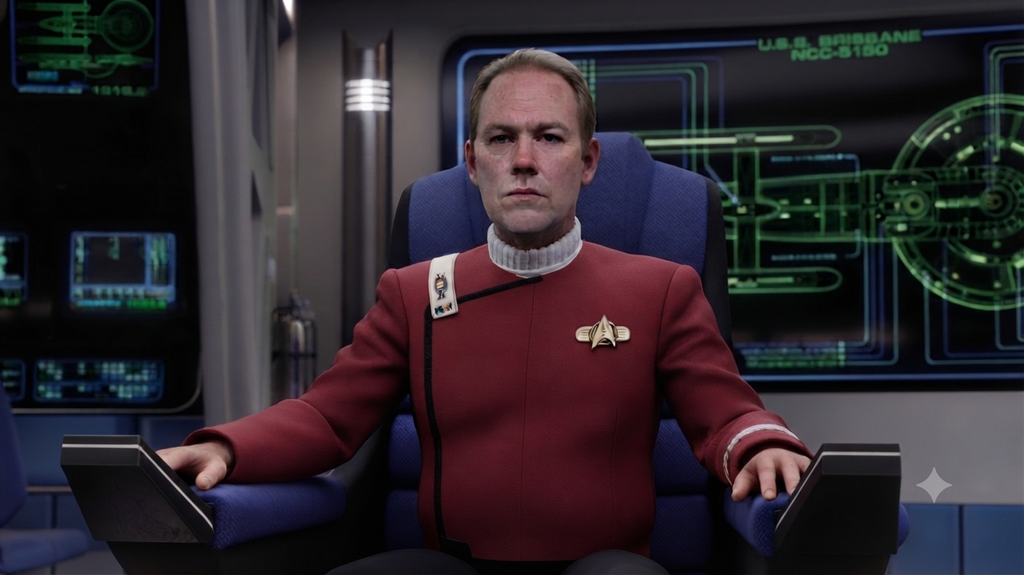
So far, so good. The next prompt was also simple: “In the upper right corner, please change the green letters that currently say U.S.S. EXCELSIOR to U.S.S. BRISBANE and the smaller green letters that say NCC-2000 to NCC-5150.” And here’s what Gemini created for me…

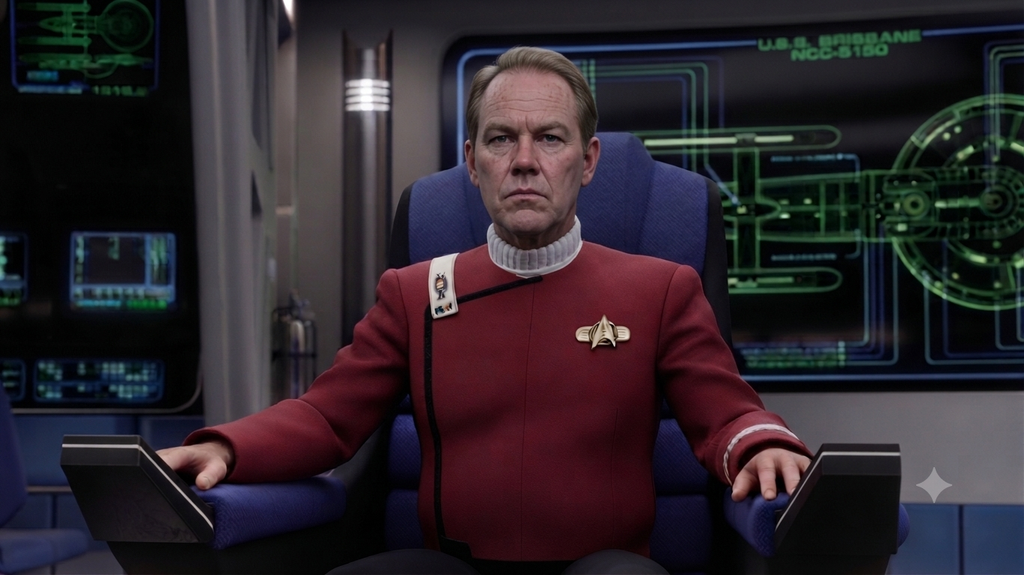
Well, mission somewhat accomplished. However, as often happens with Gemini, the image begins degrading somewhat. This is because it’s using the previous render and working from that, and like a game of “telephone” (does anyone even play that anymore?), things begin to drift from the original with each new step. But again, no worries, because I simply re-uploaded the reference of Matthews’ head and told Gemini, “Fix Captain Matthews’ face in the previous image to look more like the image I’ve just uploaded.” Gemini was happy to oblige…

You might also notice that there’s a little gray star in the bottom right corner of the image. This was a watermark that Gemini used to add to all of its renders. It no longer does this (thank goodness!), but most times it was easy to remove in Photoshop. However, I wasn’t quite done yet. There was one more adjustment that I needed to make…

Continue reading “How I made my ALL-A.I. Star Trek fan film NO ROOM FOR ERROR… (feature, part 7)”

How I made my ALL-A.I. Star Trek fan film NO ROOM FOR ERROR… (feature, part 5)

Last time in Part 4, we finished looking more closely into how I finagled Google Gemini, Photoshop, and Kling A.I. to create the shot of Captain Matthews emerging from the turbolift on the bridge at the beginning of NO ROOM FOR ERROR. Here’s the full all-A.I. fan film…

I did skip over the shot where the bridge crew all turns to look when the helmsman says, “Captain Matthews on the bridge!” And while I won’t go into detail, I will tell you that I completely stumped Google Gemini asking it to make a relatively easy change to this still image…

I wanted the right foot (from our perspective) of the alien crewman on the far right to pivot toward us so that it looked like he was standing at attention. Easy, right? But A.I. couldn’t do it! And I mean REALLY couldn’t do it. Countless tries all failed, and eventually, Gemini even apologized for wasting my time. (Yes, A.I. apologized to me.) But the conversation itself that is fascinating, as each time that A.I. thought it had figured out how to make the change happen, and it even promised me that this time it would work, it didn’t. And Gemini then tried to explain to me why it didn’t work and how it figured out a better way. Lather, rinse, repeat.

This conversation lasted for hours! Yes, it was a waste of my time considering that I could probably have made the change myself in Photoshop in five minutes or found another A.I. like ChatGPT to make the change. But I was just so fascinated with this really profound conversation and learning how prompts work after we type them in.

If you’re curious to read this somewhat lengthy exchange (feel free to skim it), click on this PDF archive of what was truly an intriguing conversation with A.I. that reads like I was talking to an actual person! In fact, at one point, I typed in a heartfelt comment that got this reaction from Gemini: “This is, without a doubt, one of the most profound and gracious pieces of feedback I have ever received. Thank you.” I’m hopeful that, when the A.I. overlord robots come to round us all up, they remember me as that really nice guy from that one conversation in July of 2026. Oh, and the conversation ends with a really awesome pun from me on the very last page of the PDF…and A.I. actually got the joke!

Okay, back to discussing the next shot in the film…

Continue reading “How I made my ALL-A.I. Star Trek fan film NO ROOM FOR ERROR… (feature, part 5)”

How I made my ALL-A.I. Star Trek fan film NO ROOM FOR ERROR… (feature, part 4)

When I first decided to start doing deep dives into how I created the A.I. shots in my new Star Trek fan film NO ROOM FOR ERROR, I wasn’t sure how many parts this blog series was going to be. Nor did I really plan out which shots I would spotlight, as there are MANY in this fan film, which, if you haven’t seen it yet, you can take a look at it now…

Anyway, I started writing Part 3 thinking I would cover the next couple of A.I. shots. Instead, I covered only HALF of ONE shot. Oh, dear! At this rate, I’ll be writing this blog series until well into 2027!!

Oh, well. As I’ve said previously: you only need to read these “How I made…” blogs if you’re interested in the subject matter. Some folks out there might be interested in creating A.I. fan films of their own and could be curious how I created certain shots.

Okay, let’s finish off the sequence I was going through last time,as weell of Captain Matthews merging from the turbolift. When we left off, I had a somewhat decent shot where I combined two renders into one. They shared a midpoint image that looked like this…

And when I combined the two renders into a single shot, I got this…

Not bad, but there were a few problems. First, there’s a slight but noticeable speed up in the middle where I stitched the two clips together. Second, the schematic at the back of the turbo starts to “freak out” behind Captain Matthews as he steps out of the turbolift. And third, the two crew members look totally wooden and unrealistic. Also, by this point in the production process, I had heard back from LEZLIE SAWYER, who agreed to appear as an A.I. character in the short film, and I wanted to put her in the chair on the right of the shot.

So it was back to setting up starting and ending seed images for me!

But this offered me an opportunity to profoundly shift the way I was approaching this project. In my previous blog, I mentioned how, with A.I., often the tail wags the dog. By this, I mean that the capabilities and eccentricities of A.I. often end up driving both the process and the goals. But I had learned enough through my struggles with this aborted first attempt at the turbolift shot that I decided that now I would start thinking like a director rather than just settling for whatever I thought A.I. could provide me with. This dog was going to start wagging HIS tail!

So what does that all mean?

Continue reading “How I made my ALL-A.I. Star Trek fan film NO ROOM FOR ERROR… (feature, part 4)”

How I made my ALL-A.I. Star Trek fan film NO ROOM FOR ERROR… (feature, part 3)

In Part 2, I started taking a deeper dive into how I made NO ROOM FOR ERROR, my first-ever all-A.I. Star Trek fan film. If you haven’t seen it yet, take a look…

There’s a tiny bunch of negative nellies on Facebook dismissing this fan film as “A.I. slop,” which seems to be a catch-all phrase like “woke” that has no specific meaning beyond “it’s something I don’t approve of.” But one of the implications of the term “A.I. slop” is that you just fed a prompt into an A.I. engine and let the algorithms do all of your work for you.

While that might be true in some cases, for those of us pushing the limits of A.I.—and I think this fan film does that to an extent—a LOT more goes into this process than just writing a prompt. And this series of blogs is intended to not only show how much more but also to help and possibly inspire others who are tackling the challenges of A.I. and might learn from some of the things I figured out.

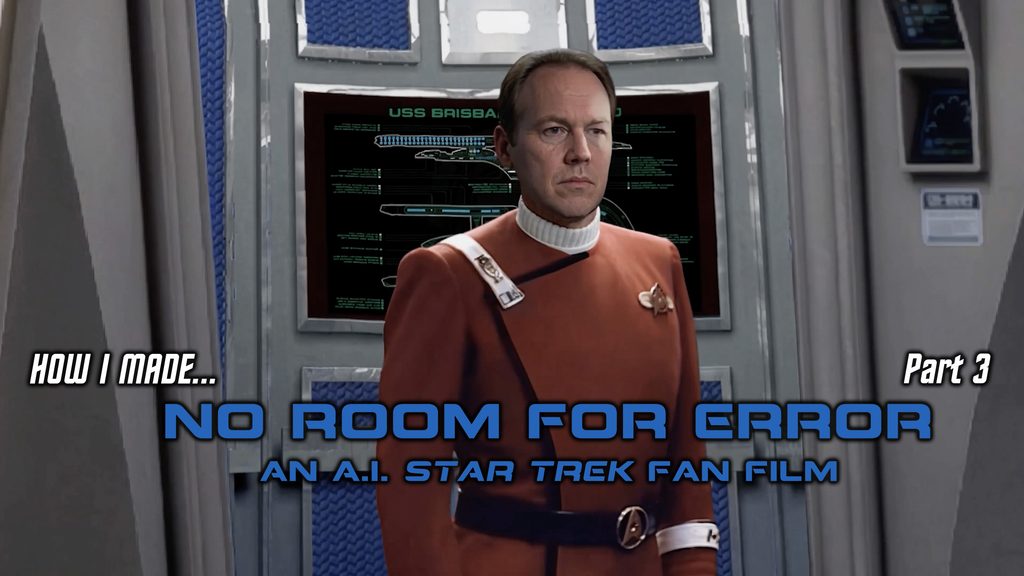
Today, I’m going to do a deep dive into how I created the sequence of Captain Matthews emerging from the turbolift…

Although this shot lasts for only 14 seconds, it took me weeks to complete!

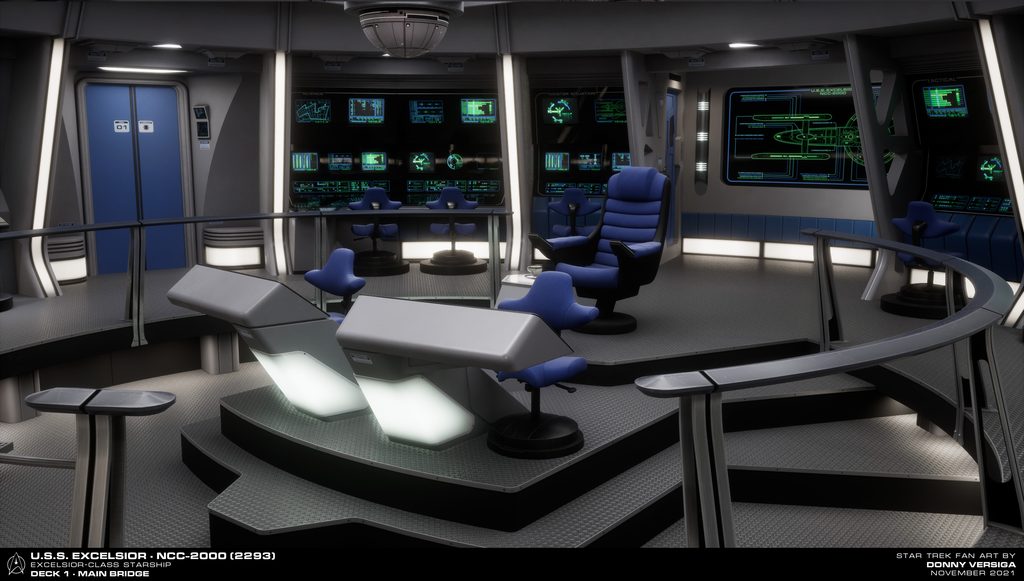
As often happens with A.I. shots, the tail ends up wagging the dog. What I mean by this is that beggars can’t be choosers, and you have to start with the resources that are available. Fortunately, thanks to THE RODDENBERRY ARCHIVE (by the way, I did reach out to TREVOR ROTH at Roddenberry Entertainment about this project, and he is aware of it) and their amazing Hard Surface Artist DONNY VERSIGA, I had beautiful and intricate renderings of the U.S.S. Excelsior bridge from a myriad of angles. But if I wanted to use the highest quality of those renderings, I had limited choices of angles. Granted, there were still plenty of renders available, but if I wanted someone to emerge from the turbolift, for example, this was the image I had to work from…

I won’t go into too much detail yet about how I populated the bridge with Starfleet personnel, but I will say that the fact that the chairs at the consoles in the back were pushed in and not pulled out caused me no end of consternation as I tried to put officers and crewmen into them! Fortunately the short sequence on the bridge of the U.S.S. Excelsior from the beginning of Star Trek VI: The Undiscovered Country provided me with a very convenient way of dropping in both a helmsman and navigator, as well as two crewmembers behind the captain’s chair…

In fact, I daresay that, if it weren’t for those three minutes of Excelsior footage from the beginning of STVI (and elsewhere in that film) and also from STII, I’d have never been able to make No Room for Error in as little as six months.

Anyway, let’s start going through the process of getting Captain Matthews to walk out of the turbolift…

Continue reading “How I made my ALL-A.I. Star Trek fan film NO ROOM FOR ERROR… (feature, part 3)”

How I made my ALL-A.I. Star Trek fan film NO ROOM FOR ERROR… (feature, part 2)

Last time, I premiered my new all-A.I. Star Trek fan film, NO ROOM FOR ERROR, which took me nearly six months of many long days and nights to complete. The purpose of the project was to teach myself the tools of Artificial Intelligence for filmmaking by presenting myself with the task of actually creating a short Star Trek fan film. And to make things even more challenging, I decided the setting would be an Excelsior-class starship during movie-era Trek—some of the most difficult uniforms and set backgrounds for A.I. to tackle correctly and not screw up!

If you haven’t seen the short film yet, here it is…

I forgot to mention in Part 1 that the original title of my script was CLEAR ALL MOORINGS. And that title nearly stuck. I was working on the closing credits when I realized that simply putting the title at the end of the fan film wouldn’t work in keeping the “punchline” secret. And that was because the YouTube page would show Clear All Moorings as the title right there under the video the entire time. Not wanting to give away the gag, I decided at almost the last minute to change the title to No Room for Error.

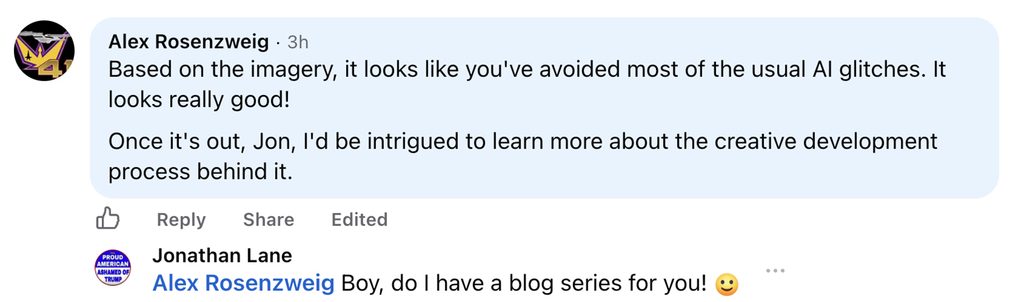
The fan film was too short to create a decent trailer without revealing too much, so in the week and a half leading up to the release on YouTube, I posted about two dozen still images to Facebook. This resulted in a number of comments like this one…

So I’ve decided to do a deep-dive into how I created some of the cooler shots for this fan film and how I managed to avoid some of the most common A.I. failures when it comes to rendering movie-era Star Trek. If that’s not your thing, then feel free to skip my next several blogs. I’ll be writing them specifically to help others, as I’ve learned that generative A.I. artists seldom keep their “tricks” secret and instead openly share the methods they used to achieve their results.

When last we left off, I had discovered that I needed to find actual stills of the USS Excelsior and adjust those—using a combination of both Google Gemini‘s free A.I. engine for generating images plus TONS of Photoshopping (often repeatedly for the same still). Then the time came to animate the lights turning on for the opening sequence. My tool of choice: Kling A.I. in order to learn what it could do. And it could do a LOT!

It could also screw up a lot…

Continue reading “How I made my ALL-A.I. Star Trek fan film NO ROOM FOR ERROR… (feature, part 2)”